Telegram video downloader
Download videos from your Telegram channels to your phone or computer. Filter by video, pick what you want and save it, using your own Telegram account.
How to download videos from Telegram
- 1
Connect your account
Open TDownloader and sign in with your Telegram phone number. Only the first time.
- 2
Add the channel
Add a channel or group you already have access to. TDownloader builds a searchable catalog of its files.
- 3
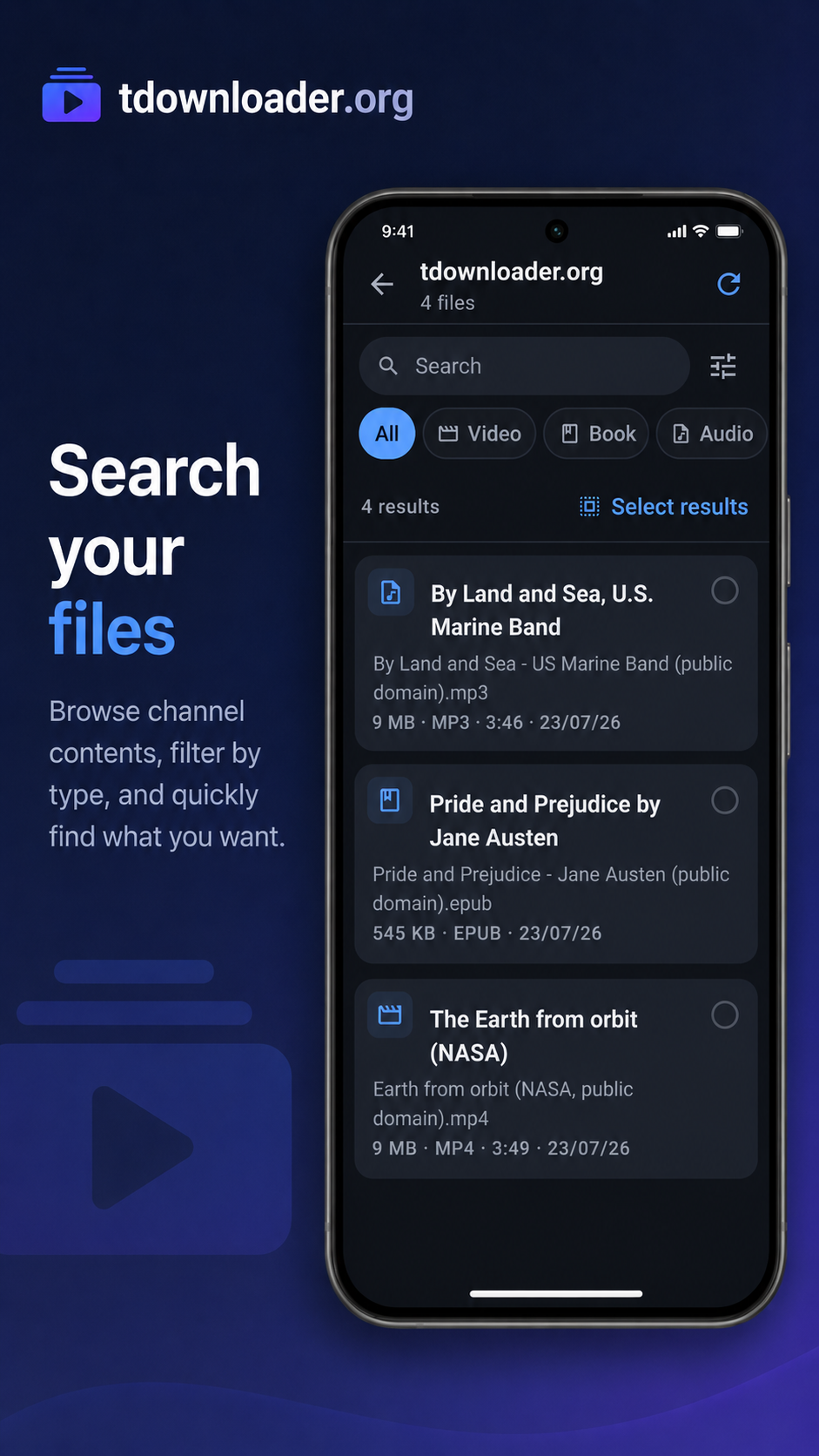
Filter by video
In the catalog, filter by type Video to see only the videos in that channel.
- 4
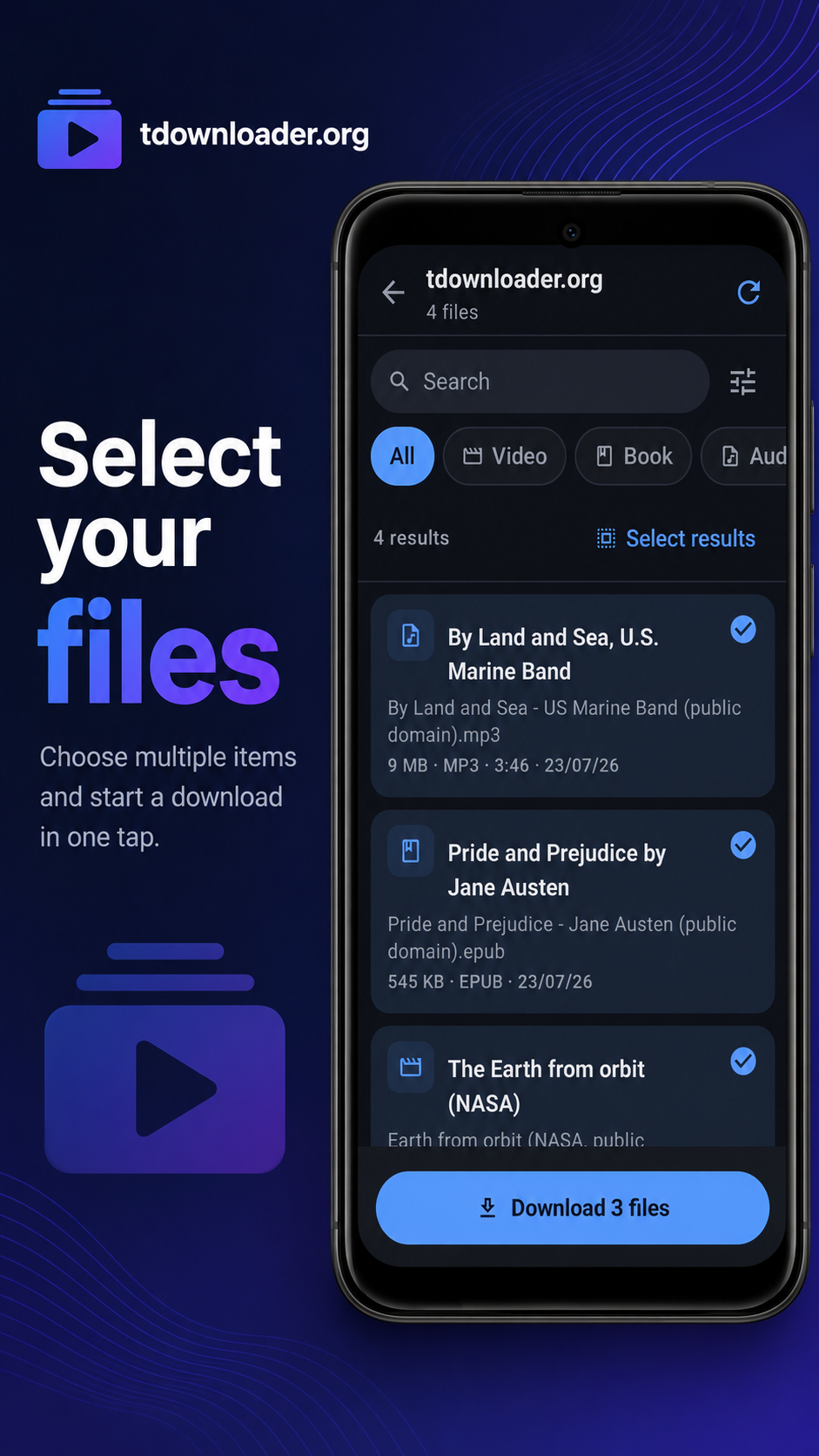
Select and download
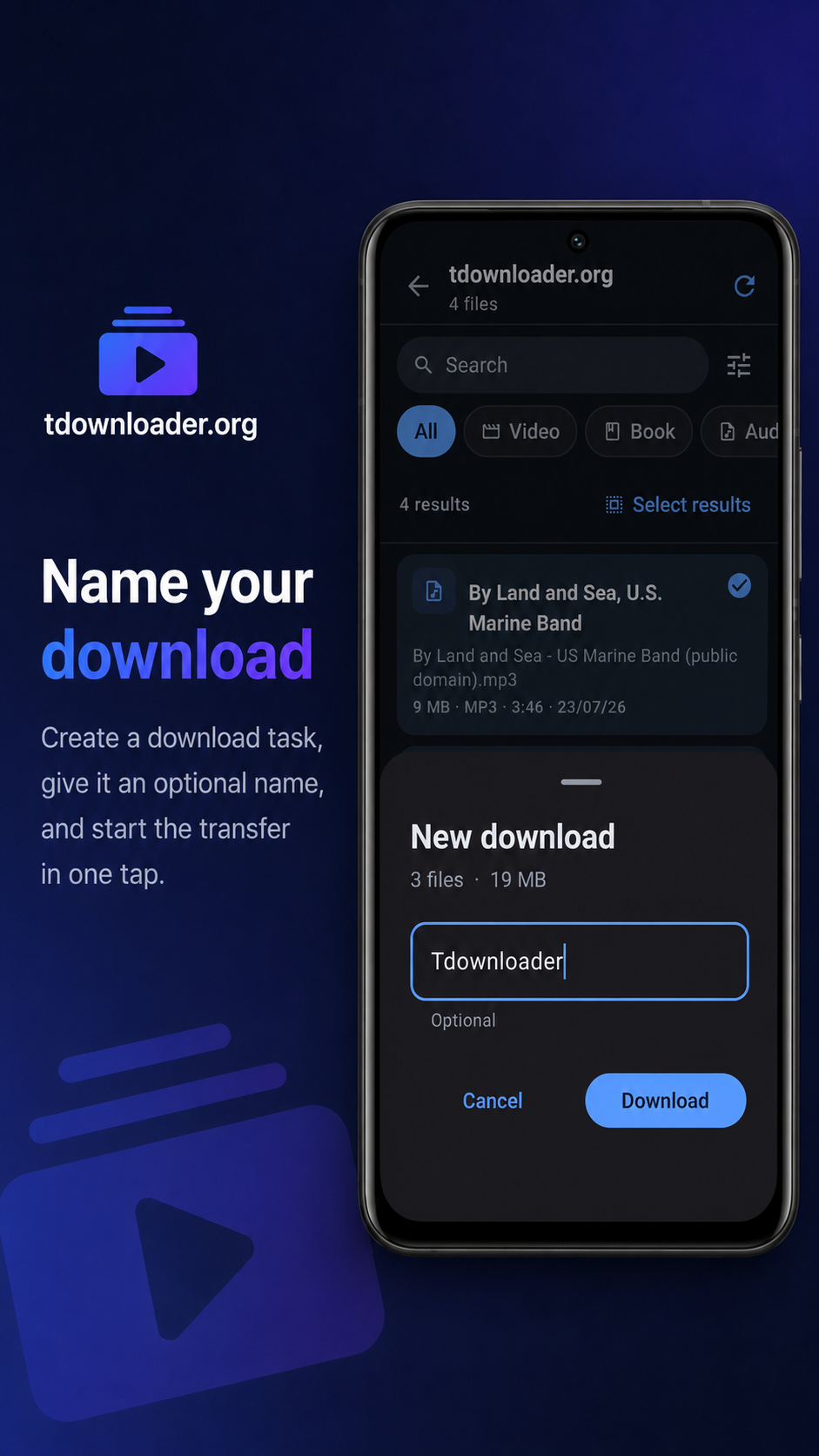
Pick one video or many, create a download project and save them to your device.
Made for downloading videos
Filter a channel down to only its videos.
Select many videos and download them in one go.
Get the original file, in the quality it was sent.
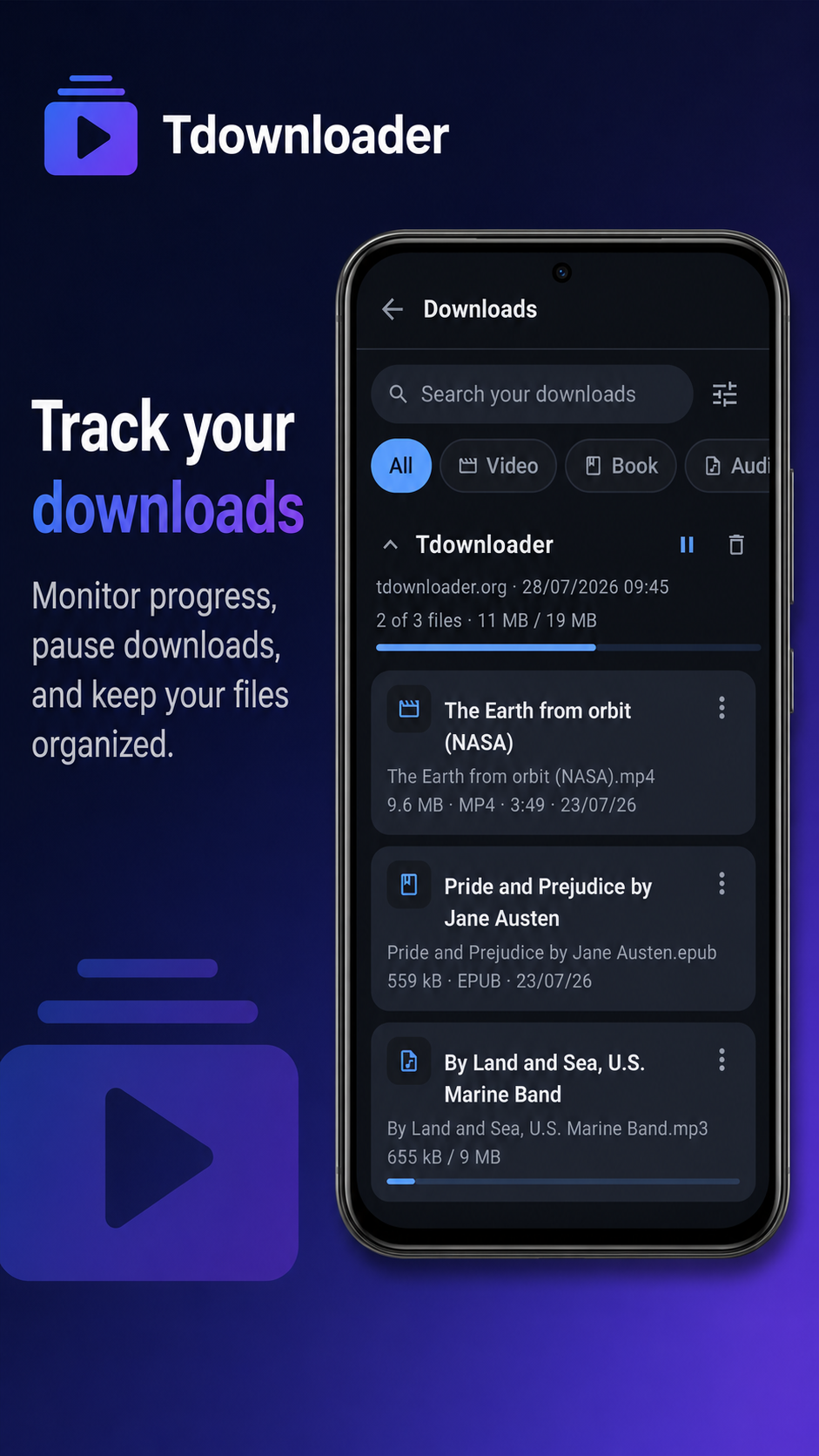
Queue with pause, resume and a library of what you saved.
Available on
Frequently asked questions
Can I download videos from a private Telegram channel?
Yes, as long as your Telegram account is a member of the channel. TDownloader accesses exactly the same content you can see in Telegram.
Is it free?
Yes. There is no TDownloader account and no sign-up. You connect with your own Telegram account, like the official app.
Does it download videos in original quality?
Yes. It saves the original file exactly as it was sent to the channel, without re-encoding.
Can I download all the videos from a channel at once?
Yes. Filter by video, select multiple results and create a single download project for all of them.