TDownloader
Download Telegram content directly to your hard drive
Add your Telegram channels, select the files and TDownloader downloads them to your disk. No sign-up. No middleman servers. Everything on your computer.
Download Telegram content directly to your hard drive
Add your Telegram channels, select the files and TDownloader downloads them to your disk. No sign-up. No middleman servers. Everything on your computer.
Telegram has thousands of channels with content worth saving. The problem has always been downloading it.
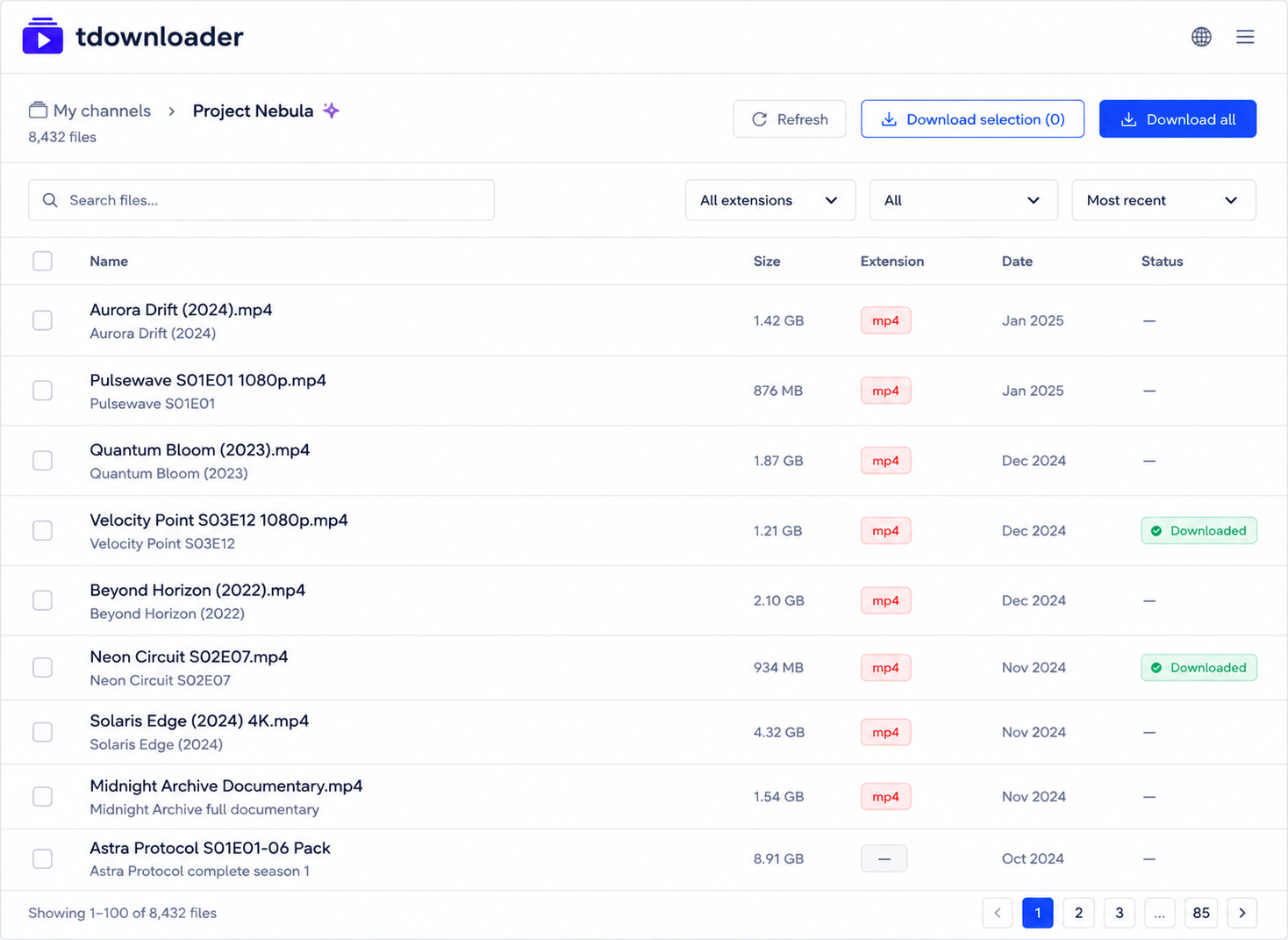
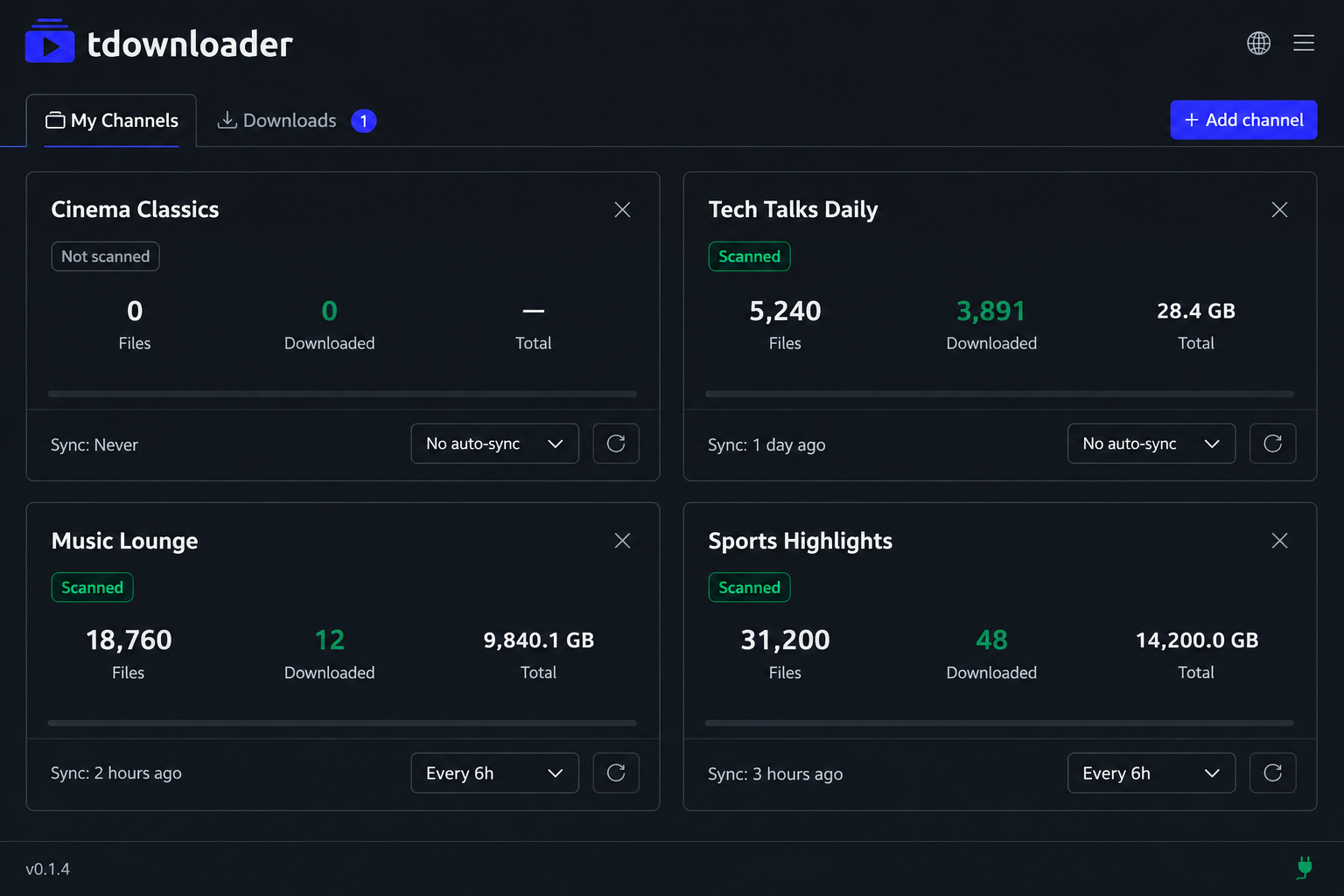
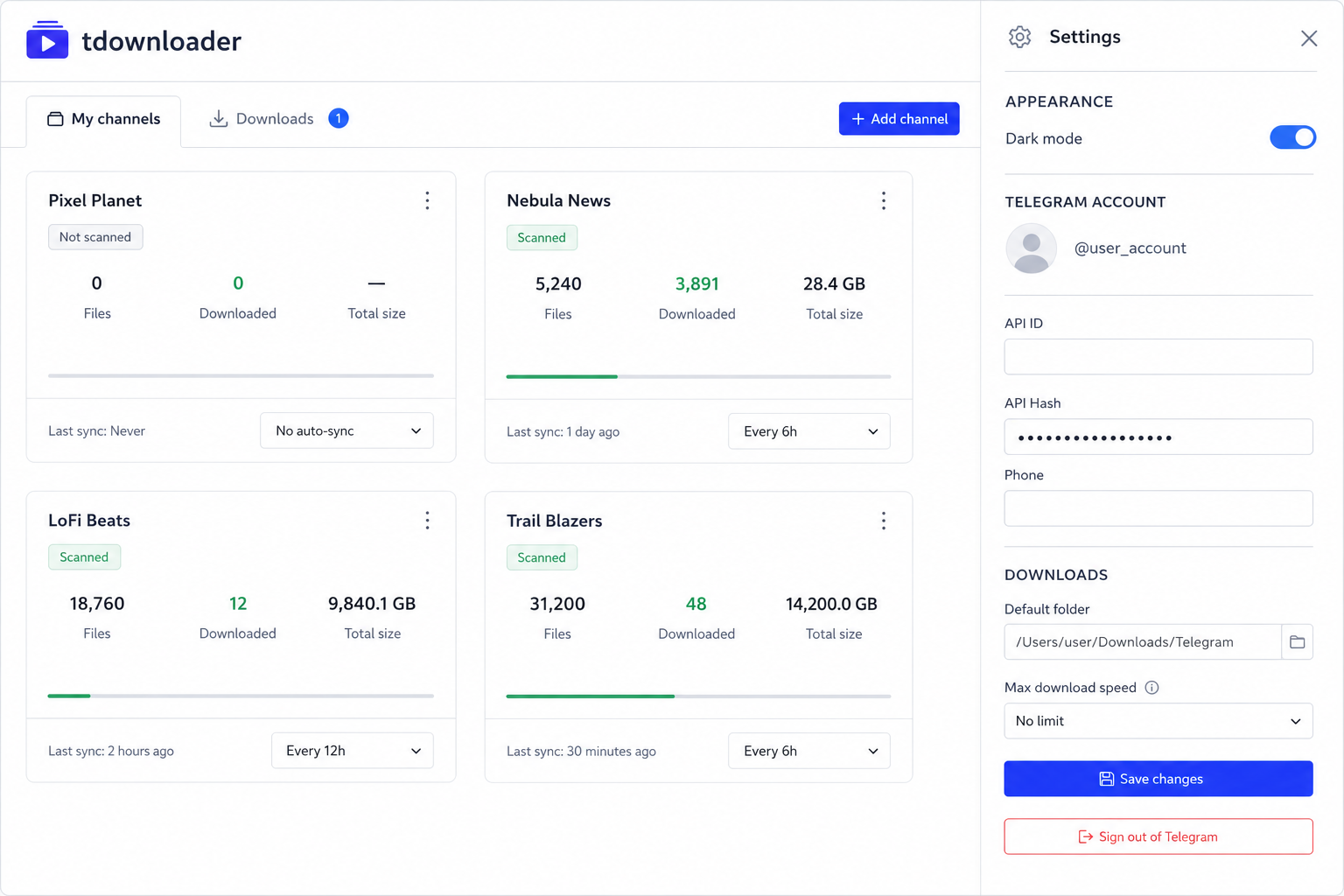
Add as many Telegram channels as you want. TDownloader builds and maintains a complete catalog of each one.
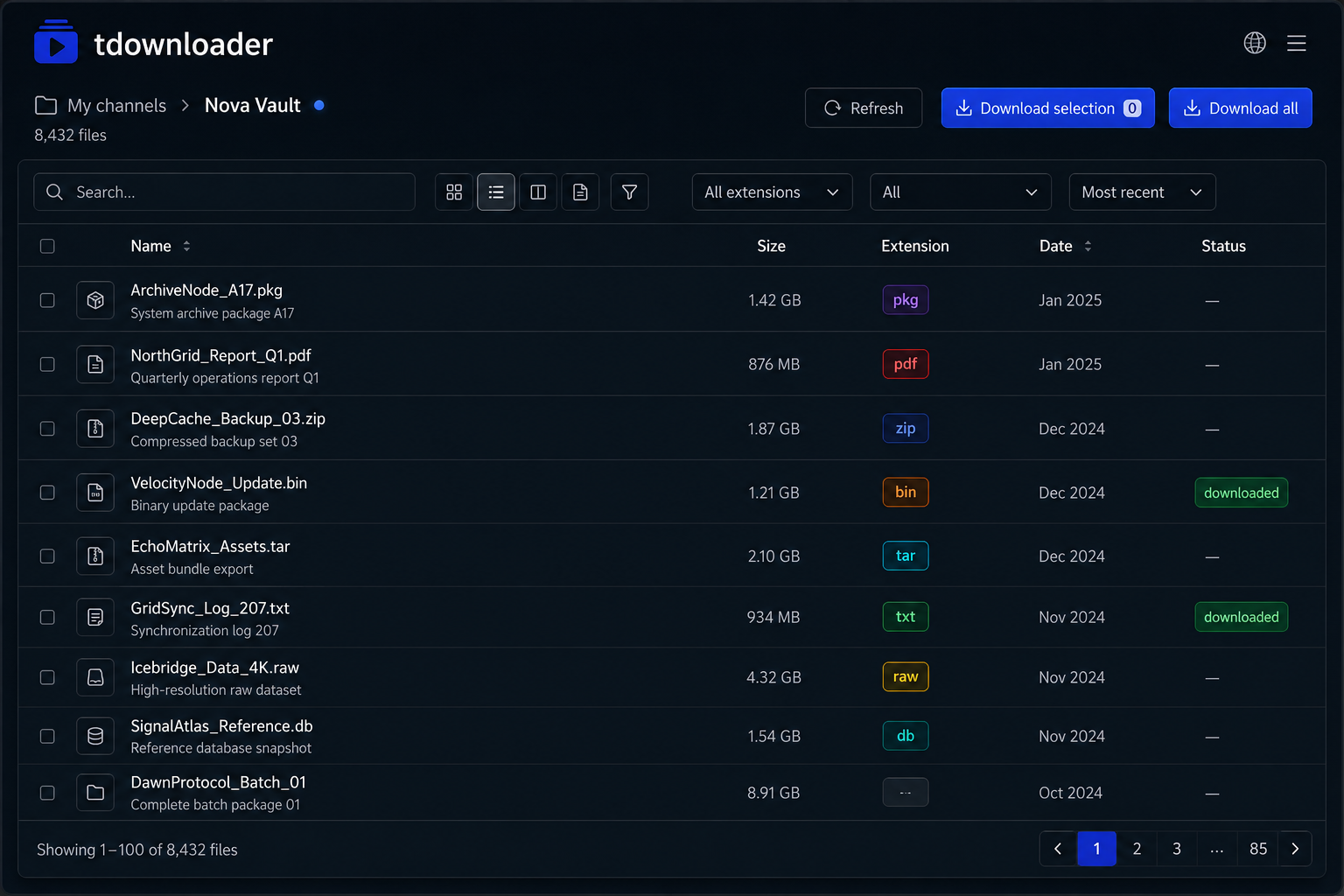
Search the catalog by name, filter by file type and select exactly what you want to download.
Channels sync on their own. The catalog always reflects the latest content from the channel.
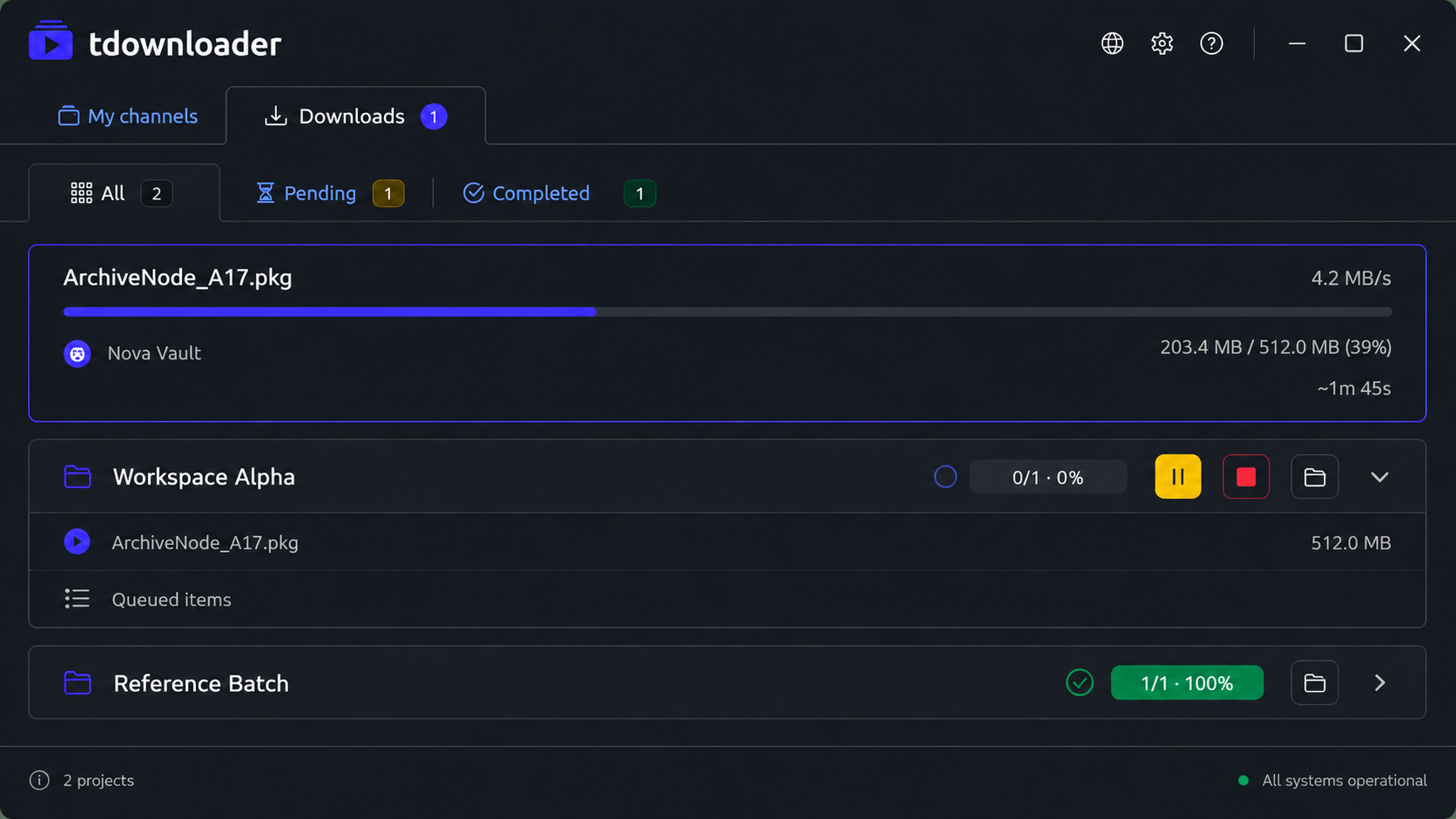
Create download projects with one or more files. Control the speed and track each download's progress in real time.
The app runs locally. The data you enter is only used to connect to Telegram, just like the Telegram app itself. It is stored on your disk. We see nothing.
A single executable. No installers, no dependencies. The app updates itself silently in the background.
New in v0.3
Upload files, write notes, save links and organize any Telegram channel with folders and tags. Your content stays in Telegram and TDownloader keeps the structure synchronized across computers.
Explore the main views before downloading
In three simple steps
Enter your Telegram phone number and the verification code. Only the first time.
Add the channel username, browse its catalog and select the files you want to download.
TDownloader manages the queue and downloads each file to the folder you choose, at your connection's maximum speed.
Available for Linux, Windows and macOS.
Debian/Ubuntu/Mint: sudo dpkg -i tdownloader_*.deb
If it says it is "damaged": open Terminal and run xattr -cr /Applications/tdownloader.app
Do I need a Telegram account?
Yes. TDownloader connects to Telegram using your own account. You enter your phone number the first time and that's it. We don't ask for email, we don't create any profile.
Do my files pass through your servers?
No. The download goes directly between your computer and Telegram. Our server only serves the app configuration and updates. None of your files pass through our systems.
Does it work with private channels?
Yes, as long as your Telegram account is a member of the channel. The app accesses exactly the same content you see in Telegram.
What file types can be downloaded?
Videos, audio, documents and images. You can filter by type in the catalog before downloading and select only what interests you.
Is there a download speed limit?
We don't impose any limit. The speed is decided by Telegram based on your account type: with a free account Telegram applies its own speed restrictions, with Telegram Premium those restrictions disappear. Your internet connection also plays a role.
How does the app update?
Automatically. When you launch the app it checks for a new version. If there is one, it downloads, installs and restarts on its own.
TDownloader version history